How fast is a wall printer?
There is no single speed that applies to every machine or every mural.
A professional wall printer may advertise a maximum speed in square meters per hour, but the speed you actually use on customer jobs depends on print quality, pass count, white ink, wall condition and machine configuration.
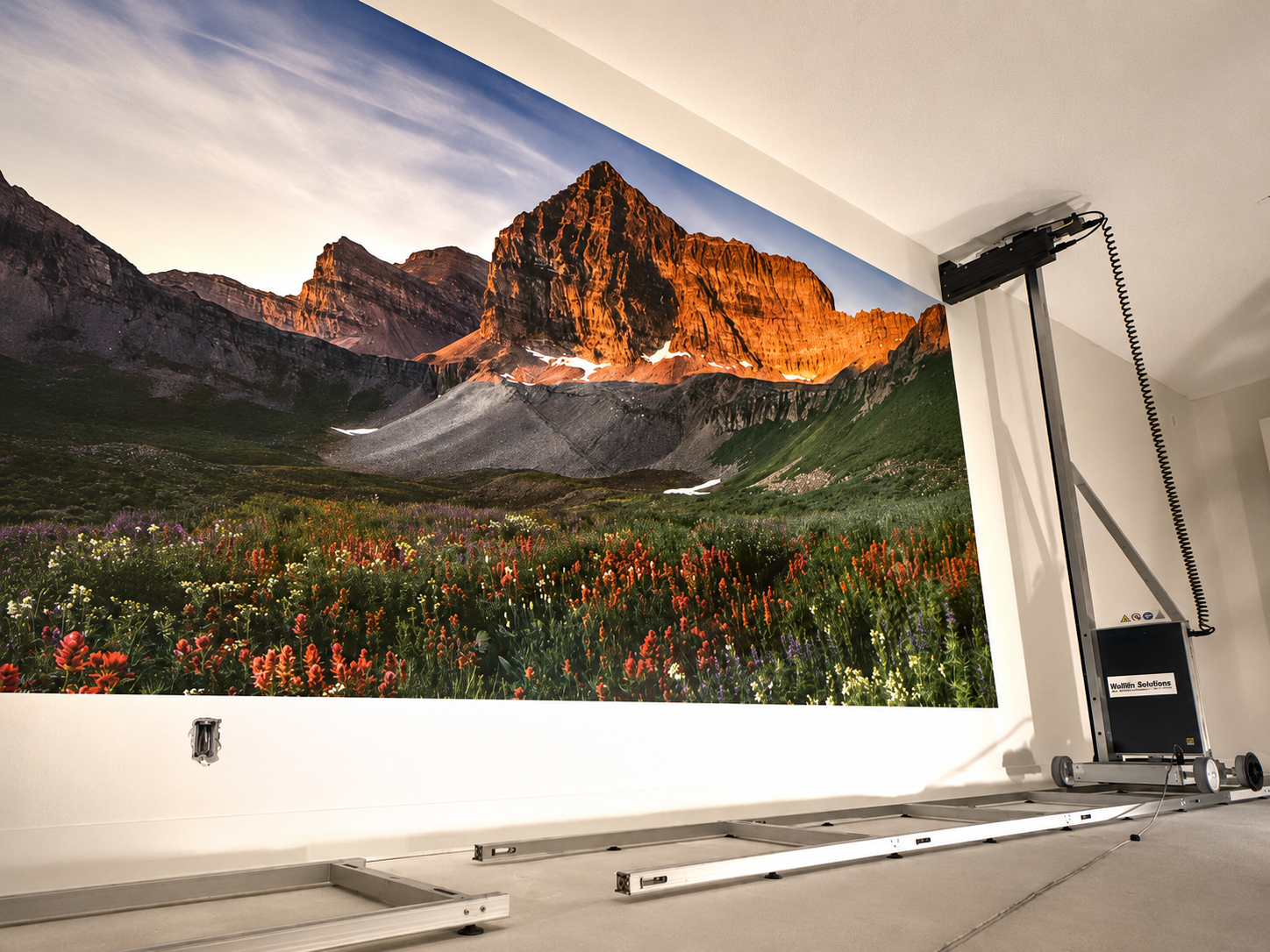
For example, WallPrintGear's current vertical wall printer is rated at 8–12 m²/h in standard mode and 4–6 m²/h in high-detail mode, while its 3D relief configuration operates at about 2–4 m²/h because multiple build passes are required.
That is why the better question is not:
“What is the maximum speed?”
It is:
“How fast will this machine print the quality and type of mural I actually sell?”
Print Mode | Example Speed | 1 m² Print Time |
|---|---|---|
Standard UV printing | 8–12 m²/h | About 5–8 min |
High-detail printing | 4–6 m²/h | About 10–15 min |
3D relief printing | 2–4 m²/h | About 15–30 min |
These are print-only examples, not a guarantee for every machine or every wall.
Setup, calibration and wall preparation are separate from printing speed.
1. How Fast Is a Wall Printer in Real Jobs?
The speed printed on a brochure is normally measured under a defined machine setting.
That figure is useful, but only if you also know:
Print mode
Pass count
Resolution
Ink configuration
Wall condition
A wall printer running a simple image on a smooth white wall can operate much faster than the same machine printing a detailed photograph with white ink on a dark surface.
Standard Printing
Standard quality is usually the most useful speed when comparing machines for commercial work.
This is the mode operators are more likely to use for normal murals where the customer expects good detail but does not require the slowest high-resolution setting.
WallPrintGear's current entry vertical machine, for example, lists 8–12 m²/h standard throughput.
At those speeds:
10 m² at 10 m²/h ≈ 1 hour of printing
20 m² at 10 m²/h ≈ 2 hours of printing
This still excludes setup and wall preparation.
High-Detail Printing
Higher-quality modes use more printing passes or slower carriage behavior to improve gradients, solid fills and fine detail.
The same WallPrintGear machine lists 4–6 m²/h in high-detail mode.
That means a mural that takes about one hour in standard mode could take roughly twice as long in a higher-detail setting.
This is why comparing only maximum speed can be misleading.
3D Printing Is Slower
A 3D wall printer has a different job.
Instead of laying down one flat image layer, the system builds physical relief through repeated passes.
WallPrintGear's current 3D configuration lists 2–4 m²/h, with multiple passes used to create relief depth.
So a buyer comparing a flat UV machine and a 3D relief machine should not expect the same productivity.
They are producing different results.
2. What Changes Wall Printer Speed?
Several variables can change how long the same-size mural takes.
Pass Count
Pass count is one of the biggest factors.
More passes generally improve smoothness and reduce visible banding, but they also increase printing time.
A lower-pass mode may make sense for:
Simple graphics.
Large viewing distances.
Draft testing.
A higher-pass setting may make more sense for detailed commercial artwork that will be viewed up close.
The correct setting is therefore a balance between quality and throughput, not simply “more passes are better.”
White Ink
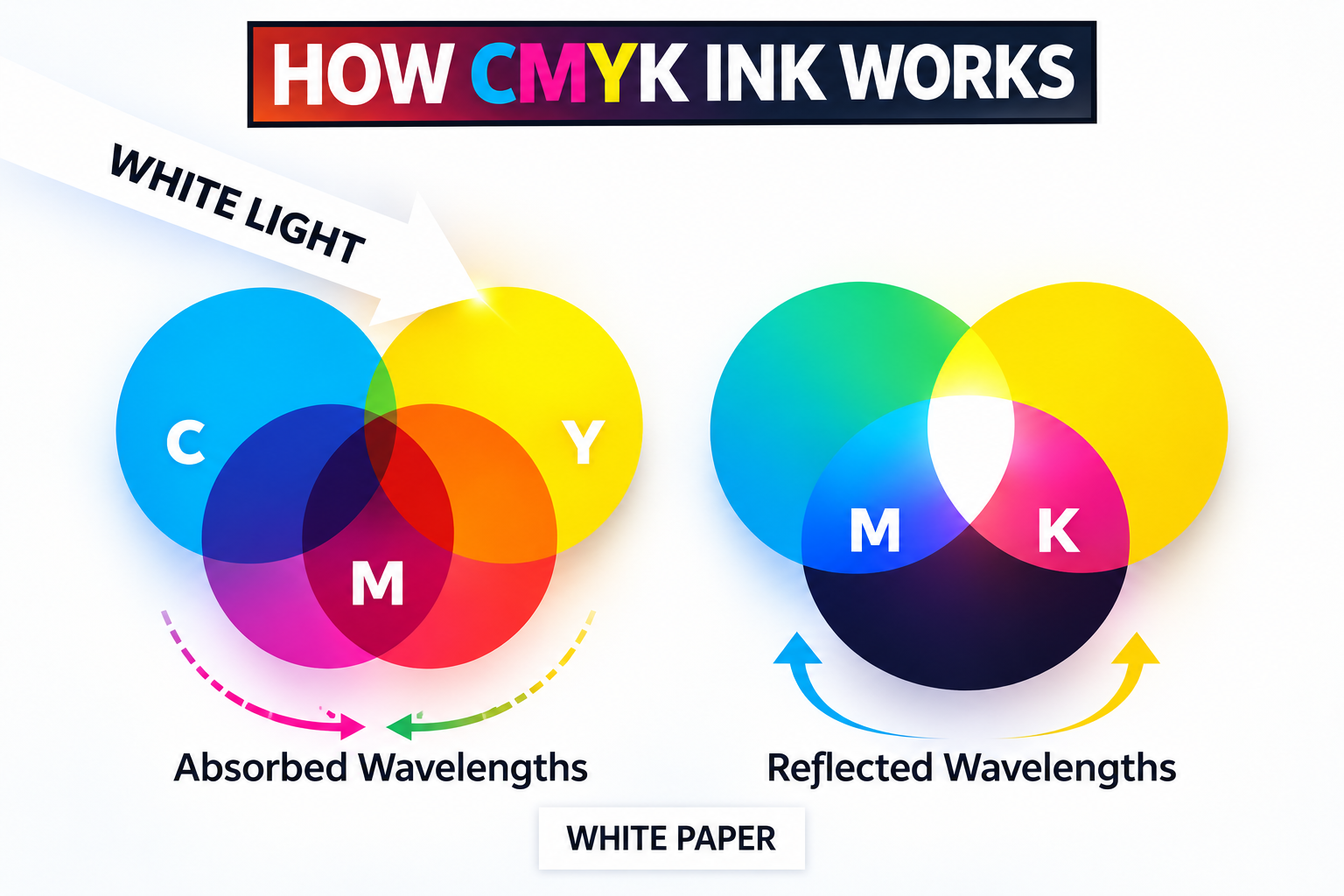
Dark walls often require white ink beneath the CMYK image.
That adds another printing layer.
A CMYK-only job on a white wall therefore cannot be compared directly with a CMYK+White job on a black wall.
If dark-wall work is important to your business, ask the supplier for speed using the actual white-ink workflow.
Do not compare a CMYK-only speed claim against a wall printing machine running CMYK+White.
Print Quality
Resolution and print mode also affect throughput.
Higher quality normally means more data, more passes or slower print movement.
WallPrintGear's own buying guidance therefore recommends asking suppliers for timed speed at the actual resolution and pass count instead of accepting a headline “up to” number.
A useful supplier answer looks like:
8 m²/h, 8-pass, CMYK, smooth painted wall
rather than:
Up to 20 m²/h
Wall Surface
Wall condition can also affect real production.
A smooth painted wall normally allows the simplest setup.
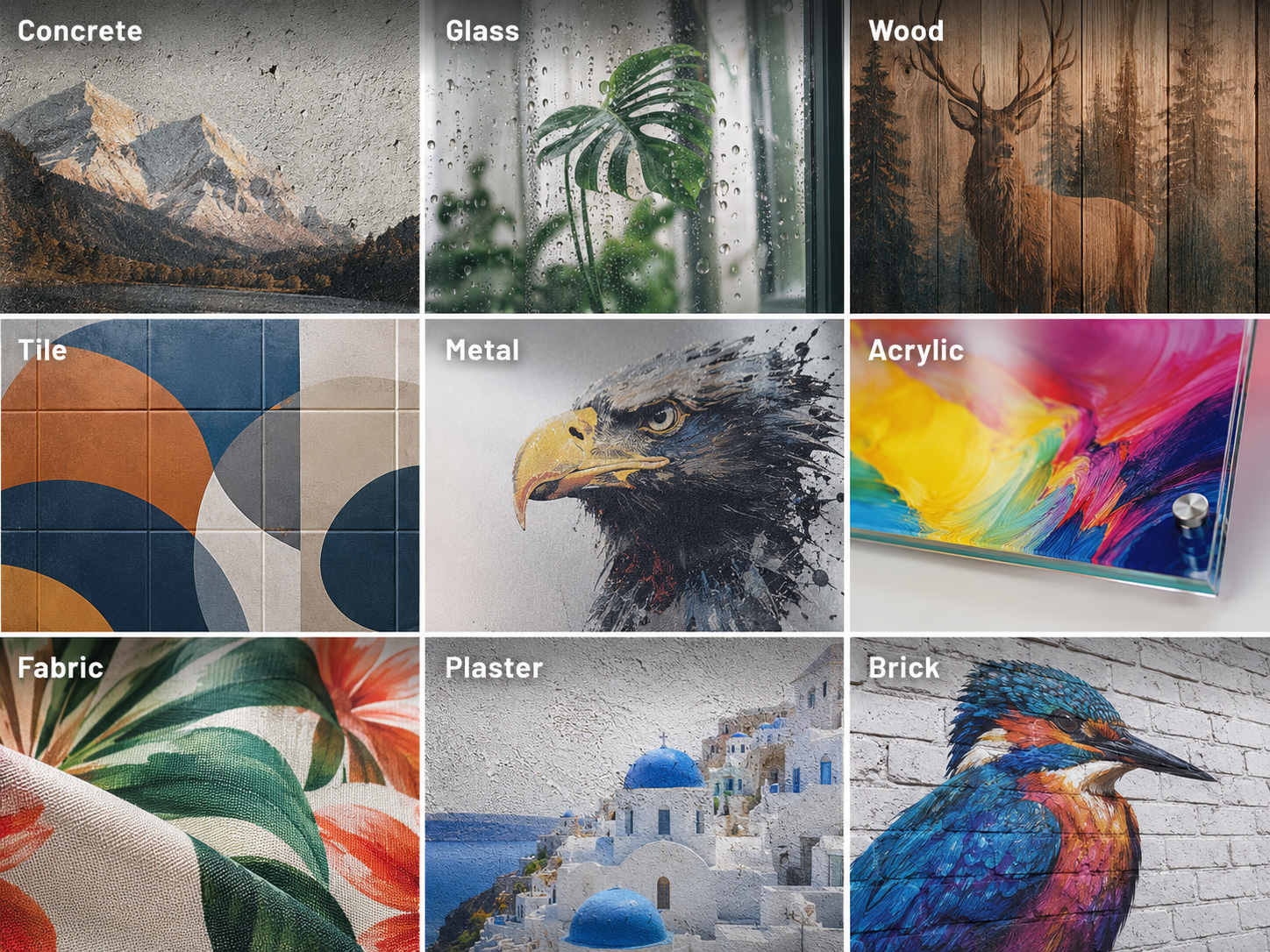
Rough plaster, brick, concrete or uneven surfaces may require more careful positioning, distance control or test printing.
That does not mean every textured wall automatically cuts speed in half.
The effect depends on the machine's distance sensing and the surface itself.
The important point is that a showroom test panel and a real building wall are not necessarily equivalent.
3. How Long Does a Real Wall Mural Take?
Customers rarely ask:
“How many square meters per hour?”
They ask:
“Can you finish this wall today?”
So convert machine speed into actual project time.
A 3 × 4 Meter Mural
A 3 × 4 m mural has an area of:
12 m²
If your vertical wall printer runs at 8–12 m²/h in the selected standard mode:
Print-only time ≈ 1–1.5 hours
At 4–6 m²/h in a high-detail mode:
Print-only time ≈ 2–3 hours
At 2–4 m²/h for a relief-printing process:
Print-only time ≈ 3–6 hours
These estimates are much more useful than saying:
“A wall printer is fast.”
Setup Adds Time
Print speed is not total job time.
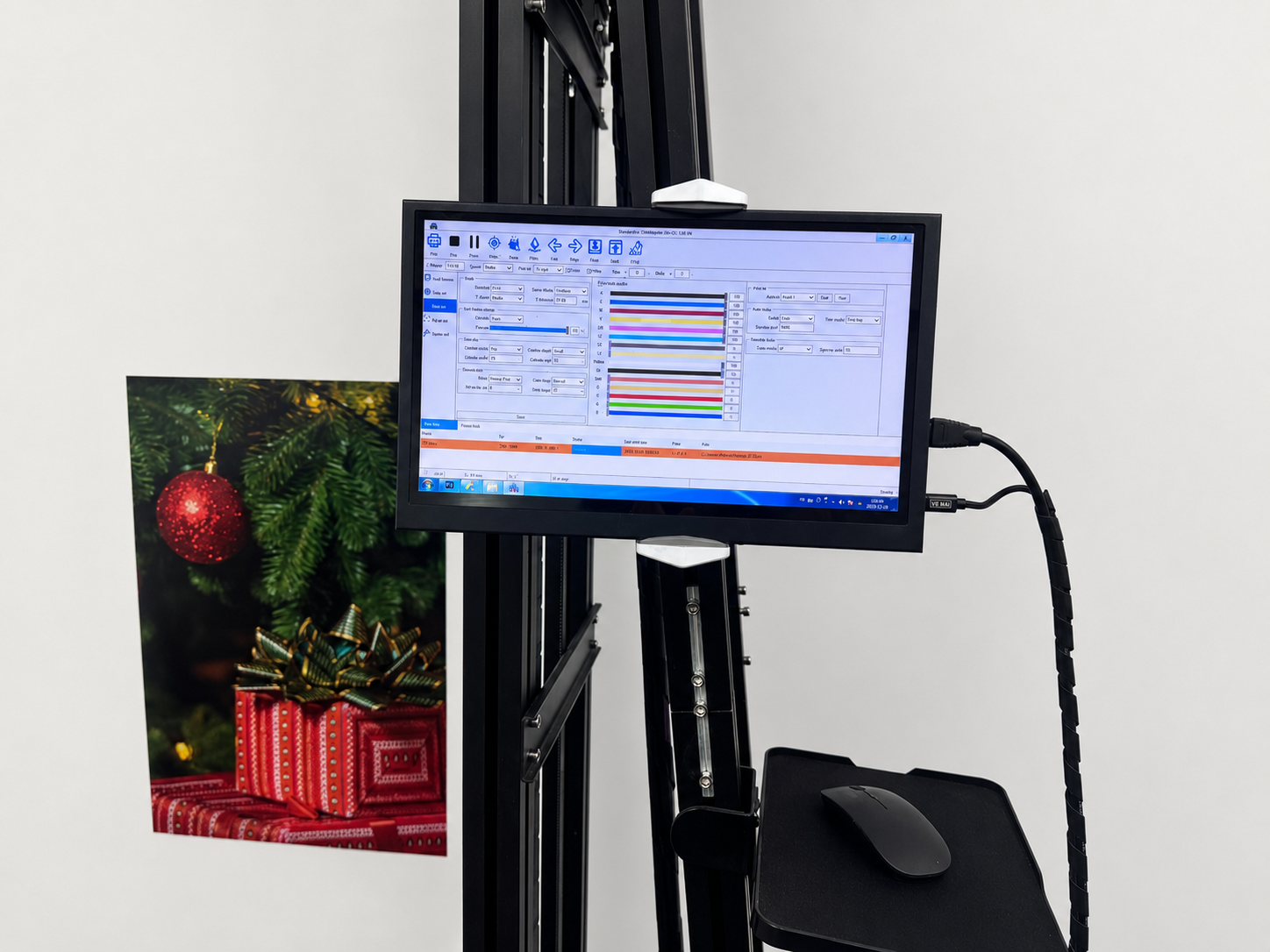
Before the first line is printed, the operator may need to position and level the machine, load the file, define the starting point and check the nozzles.
WallPrintGear's current vertical model lists approximately 25–30 minutes from van to first print under its specified setup conditions.
Other machines and job sites may take longer or shorter.
This is why you should separate:
Setup time
from
Printing time
when planning customer jobs.
Wall Preparation Is Separate
If the wall needs cleaning, patching, drying or priming, that time should not be blamed on the printer.
Likewise, a ready-to-print painted wall and a damaged masonry surface do not have the same project timeline.
A useful scheduling formula is:
Total Job Time = Wall Preparation + Setup + Printing + Repositioning + Cleanup
This gives customers a much more realistic delivery estimate than print speed alone.
Repositioning Can Affect Large Jobs
Wall printers move vertically and along the wall, but every machine has a practical working range for one setup.
Very wide projects may require repositioning.
If the mural crosses doors, corners or architectural obstacles, additional alignment time may also be needed.
So a 30 m² open wall can sometimes be completed more efficiently than a smaller but more complicated surface.
4. How Should You Compare Wall Printer Speeds?
When comparing machines, do not ask every supplier:
“What is your maximum speed?”
That question encourages maximum-speed answers.
Instead, make all suppliers run the same test.
Ask for Standard-Quality Speed
The most useful figure is the speed at the quality level you expect to sell most often.
Ask for:
m²/h + pass count + resolution + ink mode
WallPrintGear's current buying guidance makes the same point: a supplier should provide a timed test showing image size, total area, DPI, pass count, surface material and complete print time.
Test the Same Artwork
Send every supplier the same image.
Ideally, choose artwork containing:
A photograph.
Fine text.
Solid colors.
Gradients.
Dark areas.
Then you can judge speed and quality together.
Test the Same Wall Type
If your customers mainly want painted drywall, test painted drywall.
If you expect to print concrete or brick, include that surface.
A perfect demo board does not prove how the wall mural printer will behave on your normal customer jobs.
Include White Ink
If you plan to sell dark-wall printing, the comparison should include white ink.
Ask:
How long does this same image take with CMYK+White?
That answer may matter more to your business than maximum CMYK speed.
Time the Whole Print
Do not start the stopwatch after alignment and stop it before finishing.
For a meaningful comparison, record:
Start of setup → completed printable mural
That gives you real job throughput.
It also exposes machines that have fast carriage movement but slow setup, calibration or repositioning.
Conclusion
How fast is a wall printer?
The answer depends on the machine and the print mode.
Current WallPrintGear configurations illustrate the range clearly:
Standard flat UV printing: around 8–12 m²/h
High-detail printing: around 4–6 m²/h
3D relief printing: around 2–4 m²/h
But the fastest published number should not be your main buying criterion.
Pass count, white ink, print quality, surface condition and setup time all affect how many customer jobs you can actually complete.
For most buyers, the better question is:
“How long will my typical 10–20 m² customer mural take at the quality I plan to sell?”
Before buying a direct wall printer, send WallPrintGear your typical artwork, wall material, mural size and whether you need CMYK or CMYK+White.
The machine can then be evaluated using the print mode you would actually use, giving you a much more useful production estimate than a brochure's maximum speed.