A wall printer does not usually develop major print-quality problems overnight.
Most issues start small:
A few missing nozzles.
Dried ink around the capping station.
White pigment settling.
Dust on the rail.
A loose ink fitting.
Cured ink near the UV lamp.
If these problems are caught early, routine maintenance is usually straightforward. If they are ignored, they can turn into banding, missing colors, unstable ink flow or expensive printhead downtime.
For anyone operating a wall printer, the maintenance goal is simple:
Keep the printhead wet and stable, keep the ink system flowing, keep the motion system clean, and catch small changes before they affect a paid job.
A practical schedule looks like this:
Frequency | Main Tasks | Main Goal |
|---|---|---|
Daily / before jobs | Nozzle test, ink check, white ink, cap/wiper, rails | Catch problems before printing |
Weekly | Deeper cap/wiper cleaning, ink-path inspection, rail cleaning | Prevent buildup and recurring nozzle loss |
Monthly | Mechanical inspection, lubrication, filters/dampers, alignment | Prevent wear-related downtime |
Before long idle periods | Follow storage procedure, protect ink path and printhead | Prevent dried ink and white-pigment settling |
The exact frequency should still follow the manual for your specific printhead and ink system.
1. Daily Wall Printer Maintenance Checklist
Daily maintenance should be short.
The goal is not to disassemble or deep-clean the machine every morning. It is to confirm that the printer is ready for a paid job.
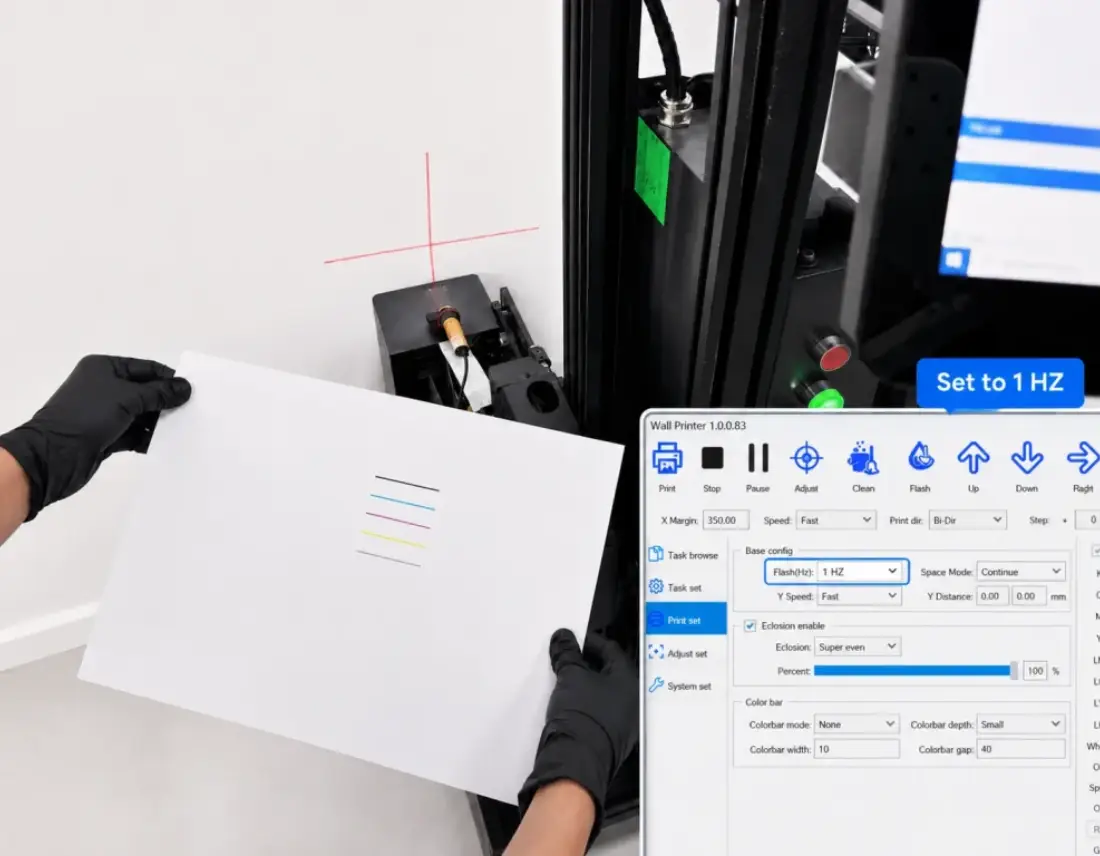
Run a Nozzle Check
Start with the nozzle test before an important print.
Look for:
Missing lines.
Broken segments.
Weak colors.
An abnormal white channel.
Changes from the previous test.
A nozzle test is one of the fastest ways to detect an ink-flow problem before it becomes visible across an entire mural.
Current wall-printer maintenance guidance similarly recommends nozzle checks as the first diagnostic step rather than automatically running repeated cleaning cycles.
If the pattern is normal, do not clean the printhead just because cleaning is on the schedule.
Clean when the condition requires it.
Unnecessary purge cycles waste ink and do not solve underlying problems such as an air leak, poor cap seal or damaged damper.
Check Ink and White Ink
Confirm that all ink levels are sufficient for the next job.
Pay particular attention to white ink on CMYK+W machines.
White pigment naturally settles more easily than standard CMYK, so check that the machine's agitation or circulation system is operating as designed.
Do not wait until the white channel becomes weak before checking circulation.
For a wall printing machine that regularly prints dark walls, white-ink stability should be part of every pre-job inspection.
Inspect the Cap and Wiper
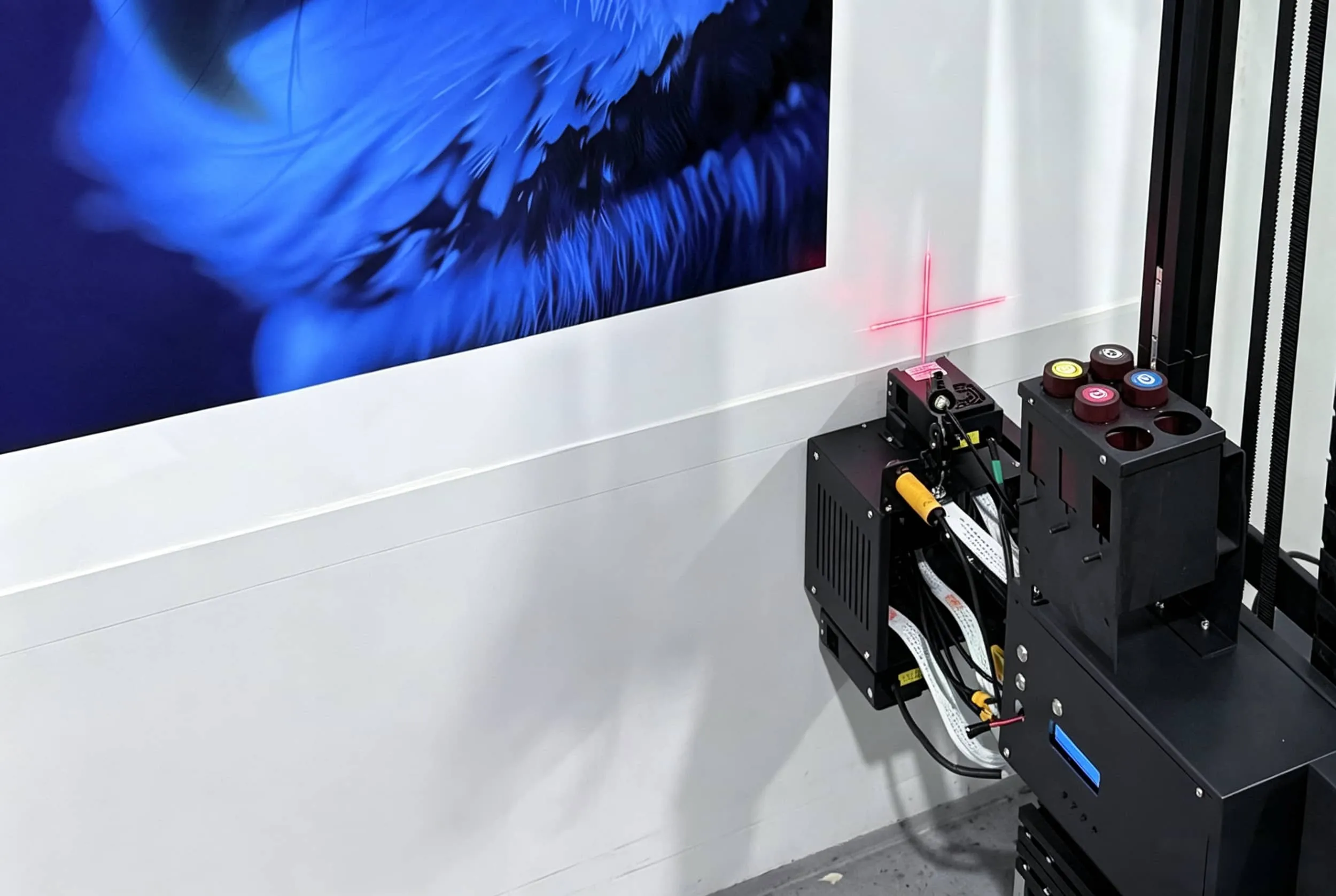
Look for dried or cured ink around the capping station and wiper.
These parts help keep the printhead sealed and clean when the machine is idle.
A contaminated cap or damaged seal can contribute to:
Poor suction.
Nozzle loss.
Air entering the ink path.
Repeated cleaning cycles that do not fix the problem.
Clean these components using only the method and cleaning fluid approved for your machine.
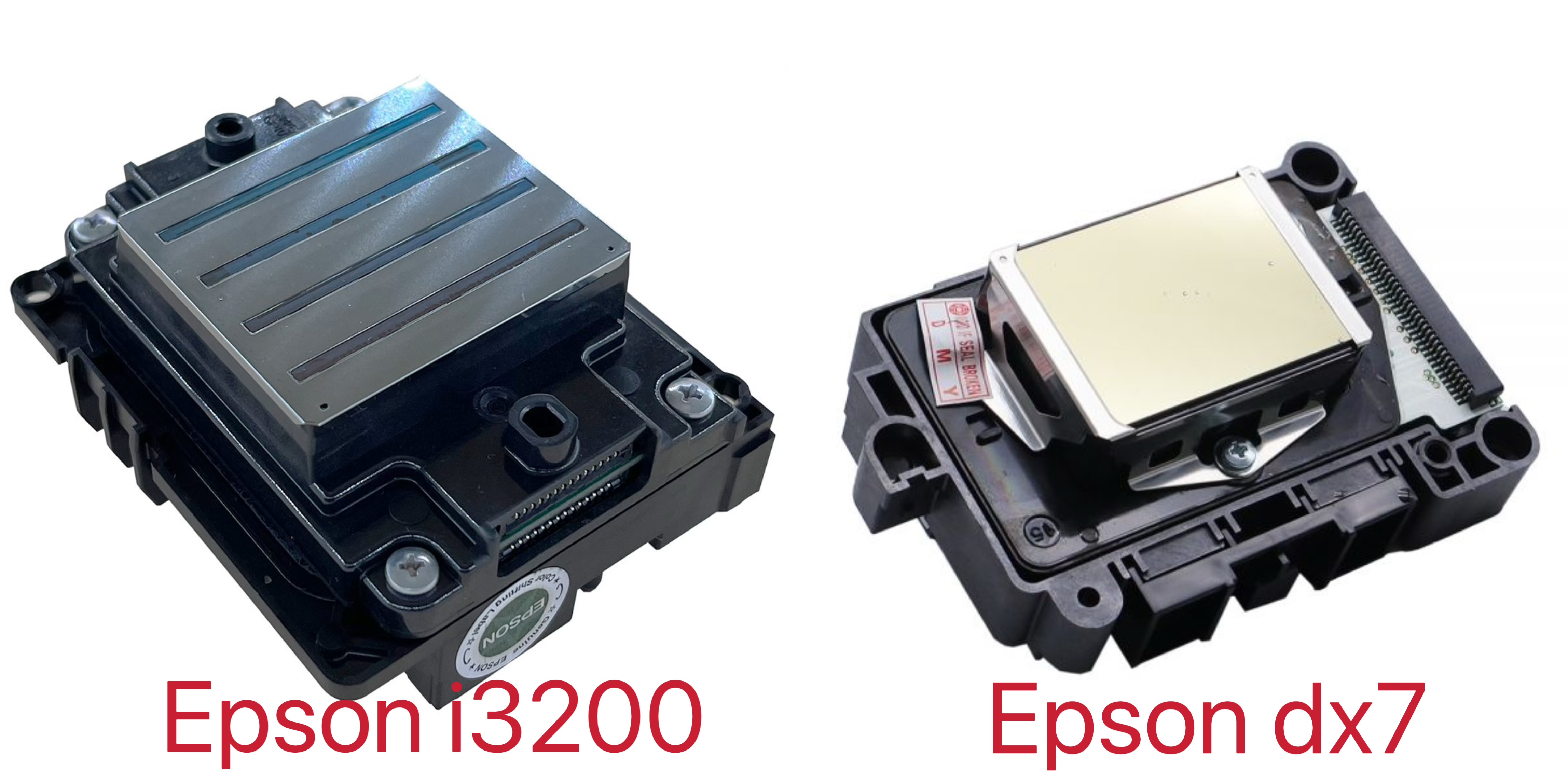
Check Around the Printhead
Inspect the printhead area for dried ink, debris or accidental contact.
Do not automatically rub the nozzle plate every day unless the machine manufacturer specifically instructs you to do so.
Direct contact with the nozzle surface can damage some printheads if it is done incorrectly.
Instead, focus on keeping the surrounding capping, wiping and ink-management system clean.
Wipe the Rails and Carriage Area
Wall printers often work on construction sites, finished interiors and dusty commercial spaces.
Dust can settle on:
Rails.
Linear guides.
Carriage paths.
Sensors.
Cable tracks.
Remove loose dust and visible contamination before it builds up.
The carriage should move smoothly without unusual resistance, vibration or grinding.
Check Sensors and Cables
A vertical wall printer depends on more than the printhead.
Distance sensors, cables and motion components help the machine follow the wall safely.
Before printing, check for:
Loose connectors.
Damaged cable sheaths.
Dust on sensors.
Unexpected carriage movement.
Anything touching the moving path.
This is especially important after transporting the printer to a new job site.
Inspect the UV Curing Area
Check the UV lamp or curing area for ink residue and dust.
Cured contamination can reduce effective curing or interfere with the print area.
Do not clean the lamp while it is hot.
Follow the machine's shutdown and cooling procedure first.
Daily Pass/Fail Check
Before starting a paid mural, you should have:
Clean nozzle-test pattern
Correct ink levels
Stable white-ink circulation
Clean cap and wiper
No visible ink leaks
Clean carriage path
Sensors free from obstruction
UV area free from heavy contamination
If one of these fails, solve it before printing the customer's wall.
2. Weekly and Monthly Maintenance Checklist
Daily maintenance catches immediate problems.
Weekly and monthly maintenance looks for gradual buildup and wear that may not yet be visible in the mural.
Weekly: Clean the Ink System Area
Once a week, inspect the ink system more carefully.
Check:
Dampers.
Ink tubes.
Connections.
Cap station.
Wiper.
White-ink circulation.
Look for:
Air bubbles.
Leaks.
Pigment separation.
Loose fittings.
Abnormal ink movement.
You do not need to replace parts simply because a week has passed.
The goal is to identify changes early.
Weekly: Deep-Clean the Cap and Wiper
The quick daily inspection may not remove every deposit.
A more thorough weekly clean can help maintain a reliable seal between the printhead and capping system.
Use only approved cleaning solution and lint-free materials.
Avoid household alcohol, glass cleaner or other solvents unless the manufacturer specifically approves them for that component.
Weekly: Clean Rails and Track
Dust, dried ink mist and job-site debris can gradually collect around the movement system.
Clean accessible rails and tracks carefully.
If the manufacturer specifies lubrication, use the recommended lubricant and amount.
Do not assume ordinary grease or machine oil is safe for every linear guide.
The original draft correctly focuses on rail cleanliness, ink-path inspection and logging nozzle results as key weekly tasks.
Weekly: Save a Nozzle Test
Photograph or save one nozzle-test result each week.
This is more useful than relying on memory.
Over several weeks, you can see whether:
One channel is slowly losing nozzles.
White is becoming less stable.
Cleaning frequency is increasing.
A problem started after a particular ink change.
The maintenance log turns troubleshooting from:
“It looked fine last week.”
into:
“The cyan channel started losing the same nozzles three weeks ago.”
That is valuable information for technical support.
Monthly: Inspect Belts and Fasteners
Once a month, inspect the mechanical system more carefully.
Check:
Belts.
Fasteners.
Rail joints.
Carriage mounting.
Vertical column connections.
Wheel or rail components.
Look for looseness, unusual wear, cracking or movement.
Do not automatically tighten every screw.
Only adjust parts according to the machine's service procedure.
Monthly: Check Filters and Dampers
Filters and dampers are wear components.
Their replacement schedule depends on:
Ink chemistry.
Print volume.
Environment.
White-ink use.
Machine design.
Follow the supplier's replacement guidance rather than replacing them on an arbitrary calendar.
If nozzle problems keep returning after normal cleaning, these components should be part of the diagnosis.
Monthly: Check Alignment and Distance
A wall mural printer has to maintain accurate movement across a real architectural surface.
Check:
Carriage alignment.
Vertical movement.
Wall-distance sensing.
Start-position accuracy.
Rail or wheel stability.
If print quality has gradually developed ghosting or alignment errors, the problem may be mechanical rather than a clogged printhead.
Monthly: Review Spare Parts
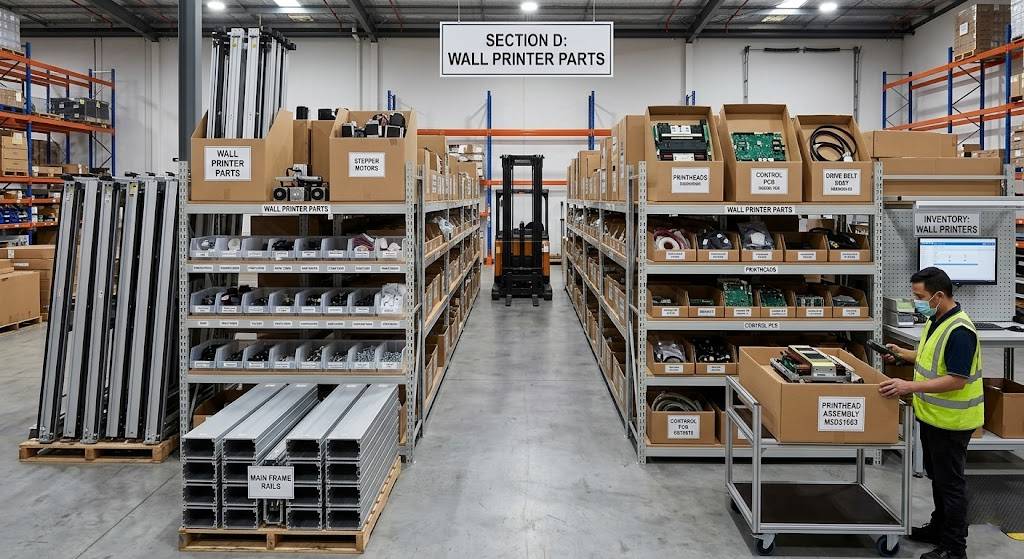
Keep a small maintenance stock based on the parts most likely to stop production.
Depending on the machine, this may include:
Wipers.
Cap tops.
Dampers.
Filters.
Approved cleaning fluid.
Ink.
Small fittings.
Sensors or cables recommended by the supplier.
The best spare part is often not the most expensive one.
It is the inexpensive component that would otherwise leave your machine unable to print for several days while waiting for international shipping.

3. White Ink and Printhead Care
For many operators, white ink is the maintenance area that deserves the most attention.
A CMYK-only machine and a CMYK+White machine do not have exactly the same idle-time risk.
Keep White Ink Moving
White ink contains dense pigment that can settle when the printer remains idle.
The machine may manage this using:
Tank agitation.
Ink circulation.
Automatic cycles.
A return line.
A combination of these systems.
Do not disable automatic white-ink maintenance simply to save a small amount of ink.
For a professional wall printer, a stable white channel can be more valuable than the ink consumed by routine circulation.
Do Not Over-Clean the Printhead
One of the most common operator mistakes is responding to every missing nozzle with repeated aggressive cleaning.
A better sequence is:
1. Run a nozzle test.
2. Use the normal software cleaning cycle if needed.
3. Test again.
4. If the same nozzles remain missing, inspect the ink path and capping system.
Persistent nozzle loss may come from:
Low ink.
Air in the line.
Damper problems.
Poor cap sealing.
Tube restriction.
White-ink sediment.
A leak.
Repeated purging without diagnosing the cause can simply waste ink.
Current wall-printer maintenance guidance similarly advises diagnosing recurring nozzle loss instead of treating repeated purging as the solution.
Never Use Random Cleaning Fluid
Use the cleaning solution approved for your ink and printhead.
A cleaner that works with one UV ink system may not be appropriate for another.
Incorrect fluid can damage:
Seals.
Dampers.
Tubing.
Printhead coatings.
Always check the manufacturer procedure before introducing cleaning chemicals into the ink system.
Protect the Printhead From UV Exposure
UV ink is designed to cure under UV light.
That also means unwanted UV exposure around the nozzle area can cause problems.
When operating outdoors or in strong sunlight, protect the printhead area according to the supplier's guidance.
Some wall-printer manufacturers specifically warn against prolonged direct sunlight because UV ink can cure prematurely around the printhead.

4. What to Do When the Printer Sits Idle
Idle-time maintenance deserves its own section because many wall-printing businesses do not print every day.
A startup may complete one mural and then leave the machine unused for several days.
That is very different from a production shop operating every shift.
Idle for a Few Days
Do not automatically flush the complete ink system.
Confirm:
Automatic maintenance is enabled.
White ink is being managed correctly.
The printhead is capped properly.
The next startup begins with a nozzle test.
Follow the storage procedure for your model.
Idle for About a Week
Many current wall-printer suppliers recommend periodic activation or maintenance when the machine remains unused for roughly a week, but the exact procedure varies by machine.
Your machine may require:
Powering on.
White-ink circulation.
A nozzle check.
A test print.
Automatic extraction.
Wet capping.
Do not assume every machine requires a complete ink flush after seven days.
Long-Term Storage
If the printer will be unused for several weeks or longer, ask the supplier for the exact long-storage procedure.
Depending on the ink system, this may involve:
Cleaning solution.
Line flushing.
Protecting the nozzle surface.
Sealing the cap station.
Emptying certain ink paths.
Covering the machine from dust.
Turning off power only after the correct software shutdown.
This is not an area to improvise.
A direct wall printer with UV ink can be expensive to recover if ink dries inside the wrong part of the system.
Always Record the Last Nozzle Test
Before extended storage, save the final nozzle pattern.
When restarting, save another one.
Comparing the two immediately shows whether the idle period affected the ink system.
That simple habit can save a lot of troubleshooting time.
Conclusion
Wall printer maintenance does not need to be complicated. A reliable routine comes down to four habits: check the nozzle pattern before important jobs, keep the ink and white-ink system stable, keep the cap, wiper, rails and moving areas clean, and follow the correct storage procedure when the printer sits idle.
Daily maintenance should catch immediate problems. Weekly maintenance should remove buildup and inspect the ink path. Monthly maintenance should focus on mechanical wear, alignment changes and consumable parts approaching replacement.
The biggest mistake is either doing nothing or doing too much. Do not wait for severe banding before checking the nozzles, but do not repeatedly purge or manually clean a healthy printhead simply because the calendar says “maintenance day.”
For operators running a wall printing system, condition-based maintenance plus a simple daily, weekly and monthly checklist is usually more useful than aggressive cleaning on a fixed schedule.
If your printer begins showing repeated nozzle loss, unstable white ink, banding, missing colors or carriage problems, document the symptom and save a fresh nozzle test before contacting technical support. That information can make remote diagnosis much faster.
Need help building a maintenance routine for your machine? Send WallPrintGear your wall printer model, printhead type, ink configuration, how often the machine is used and any current print-quality symptoms. We can help you identify which parts need daily attention, what should be checked weekly or monthly, and what to do before the printer sits idle for an extended period.