A $10,000 budget is enough to buy a capable commercial wall printer—but it is not enough to buy every premium feature, local service package, or high-end production system on the market.
This price range sits between basic entry-level machines and premium wall printers that can cost $20,000, $30,000, or considerably more.
For most first-time buyers, the sweet spot is a factory-direct UV wall printer equipped with a recognized Epson printhead, white ink, automatic wall-distance sensing, licensed software, basic spare parts, and structured technical support.
You should not expect the same local service network or industrial production capacity offered by machines costing three to five times more.
The key is knowing where you can save money and where cutting costs creates problems later.
Best Wall Printers Under $10,000 at a Glance
Wall Printer | Best For | Typical Position | Main Trade-Off |
|---|---|---|---|
WallPrintBox GP200I Starter | First-time business owners | Best overall balance | Remote rather than local service |
Tanyu TPP1000 / TMP1000 | Budget-focused buyers | Good hardware value | Lower production speed |
Entry-Level Epson I1600 OEM Systems | Experienced technical buyers | Lowest entry cost | Quality and support vary significantly |
Prices vary by configuration, shipping terms, printhead, ink system, and included support. A machine advertised below $10,000 may exceed that figure after freight, duties, ink, spare parts, and accessories are included. Current factory-direct wall-printer pricing generally places entry and mid-tier systems in roughly the $3,000–$12,000 startup range.
What Should You Expect From a Wall Printer Under $10,000?
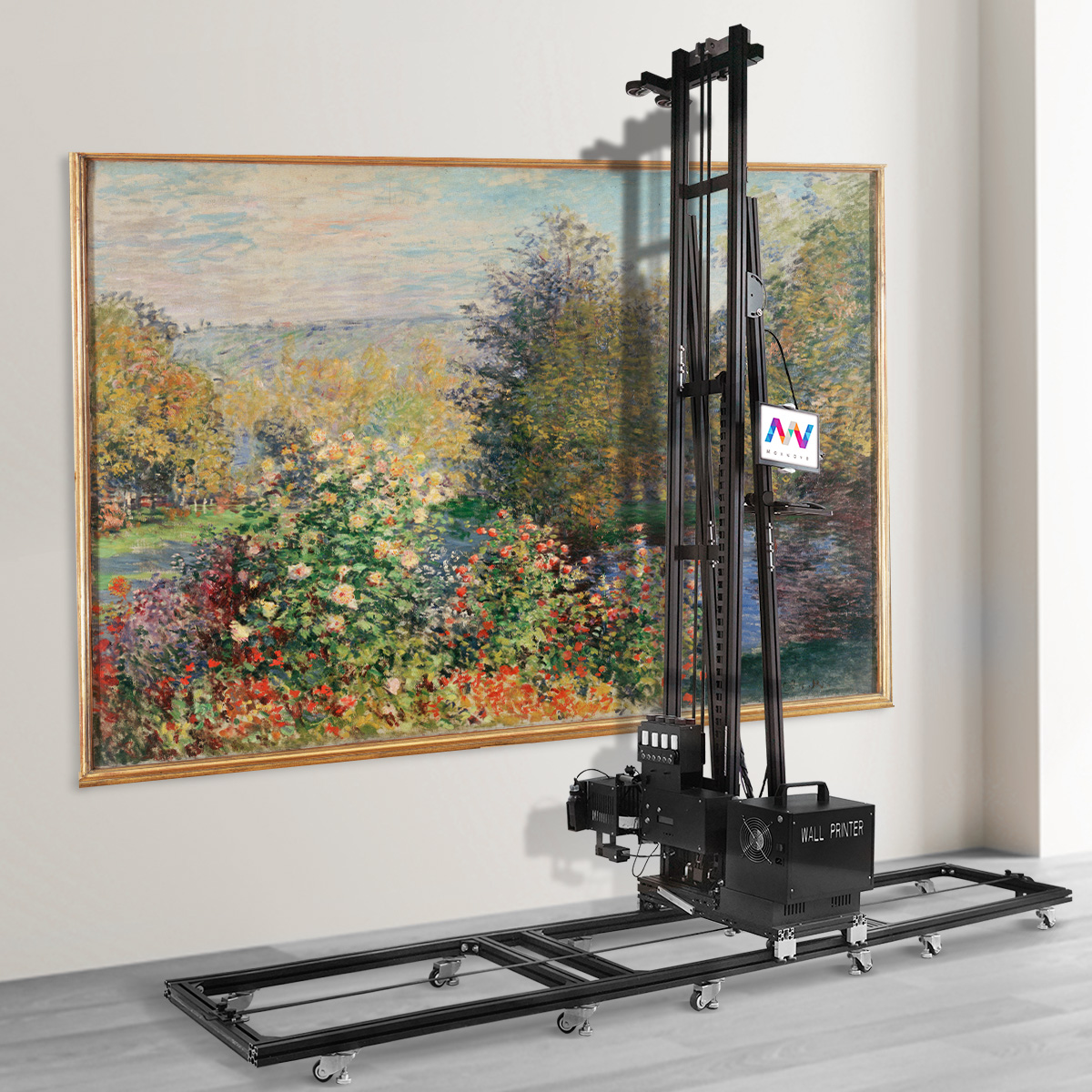
The most important thing to understand is that $10,000 should buy a usable commercial system—not simply the cheapest machine with the highest DPI number.
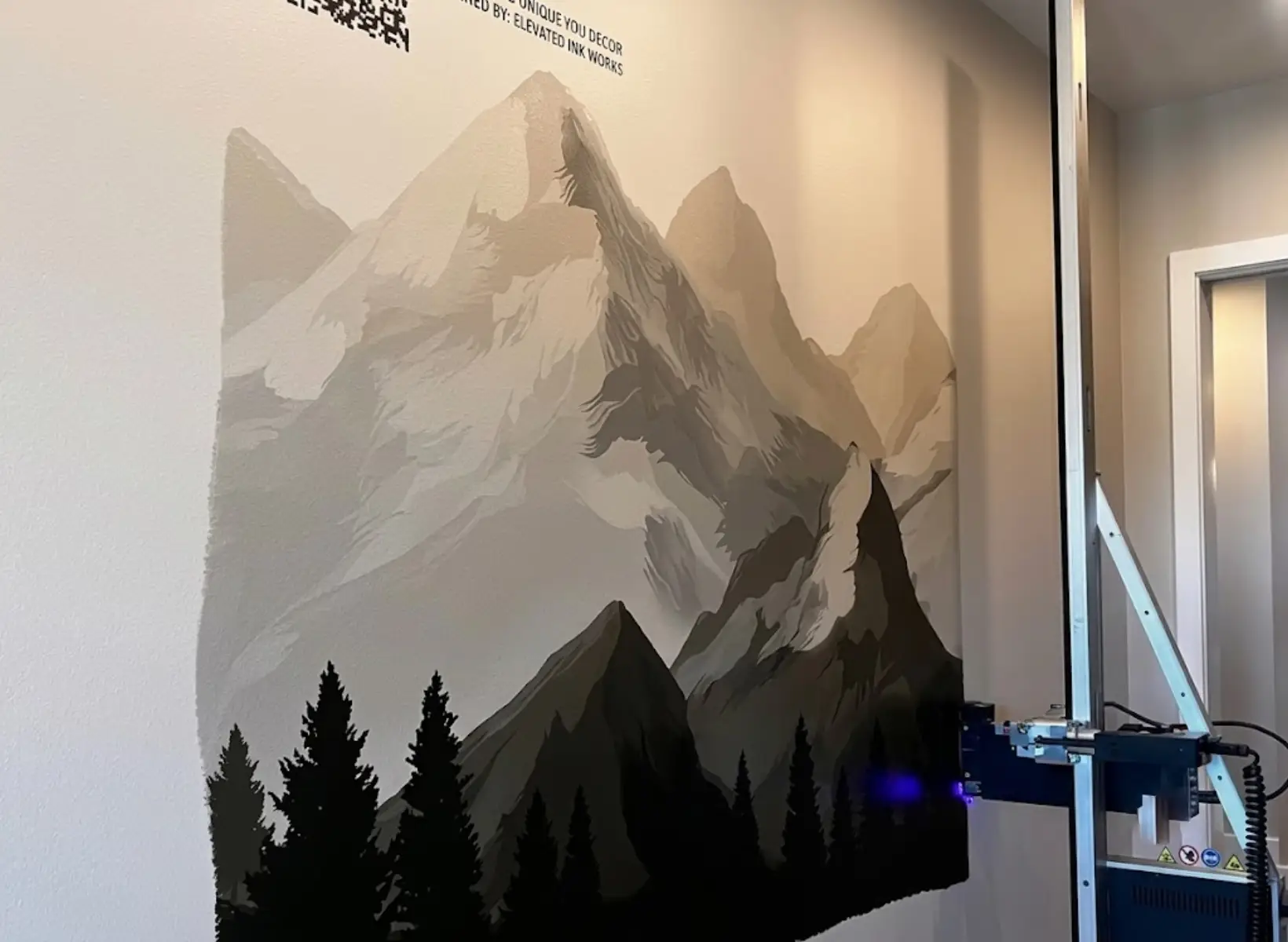
At this budget, buyers should realistically expect a UV wall printer capable of printing residential murals, café and restaurant walls, office graphics, retail interiors, schools, and smaller commercial projects.
A good machine in this category should normally include a recognized Epson printhead, CMYK plus white ink, automatic distance sensing, UV curing, adjustable print quality, RIP software, and remote technical support.
What you may not get is a local technician, same-day spare parts, advanced production automation, dual industrial printheads, or a large regional support network.
That distinction matters.
A $6,000 factory-direct printer can produce professional murals. It simply places more responsibility on the owner for installation, routine maintenance, basic troubleshooting, and local marketing.
1. WallPrintBox GP200I Starter — Best Overall for First-Time Buyers
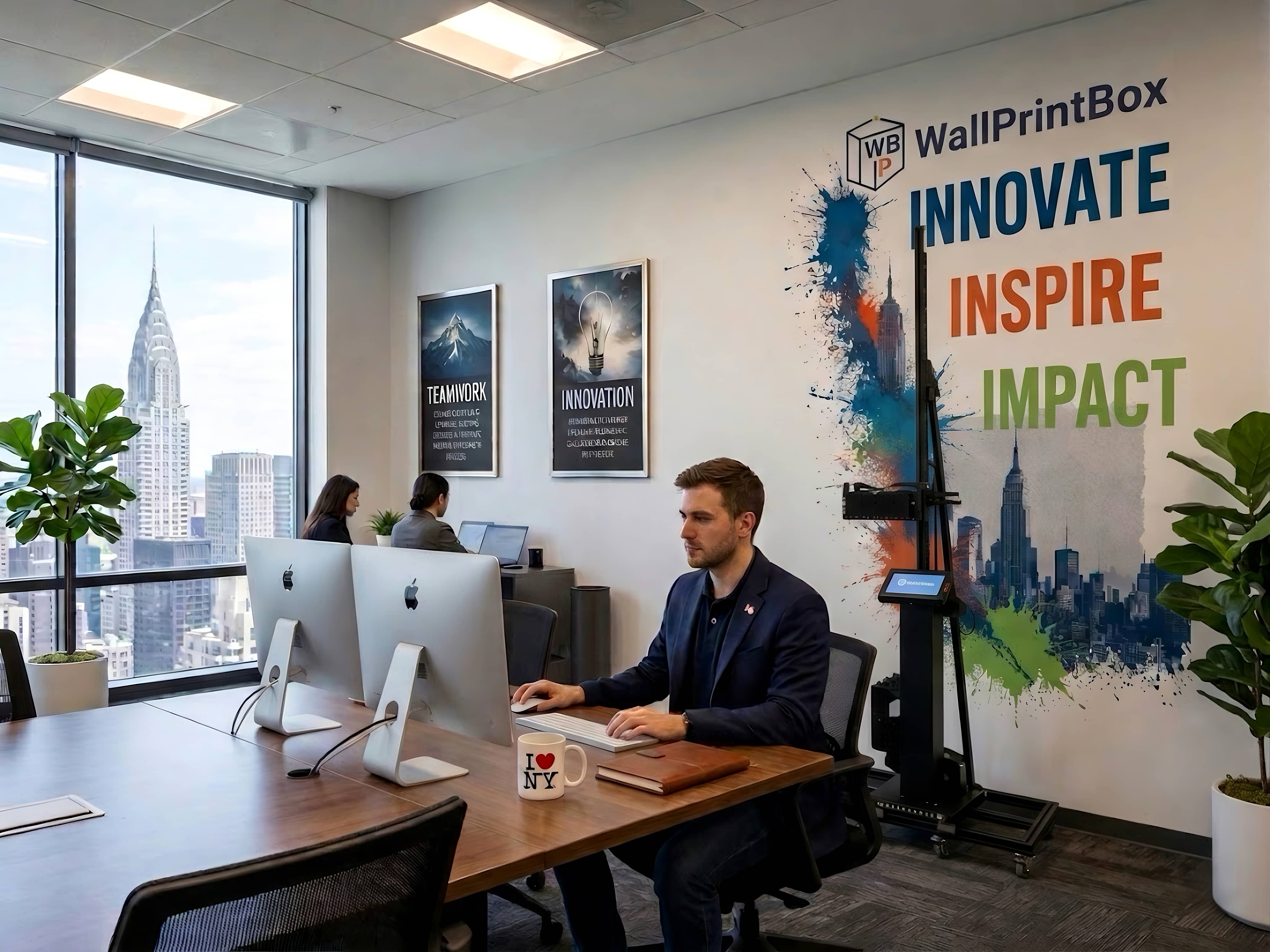
The WallPrintBox GP200I Starter is one of the stronger options for buyers who want more than just the machine.
It uses a single Epson I1600U printhead with CMYK plus white UV ink and is positioned around the lower end of WallPrintBox's product range. Published specifications place printing speed around 6–8 m²/h, with a maximum seamless print height around 3.5 meters depending on configuration.
The bigger difference is the package around the hardware.
WallPrintBox includes RIP software, starter ink, calibration tools, spare parts, remote onboarding, and business-startup resources rather than treating each item as a separate purchase. Its published factory-direct price range begins around $5,500 FOB, although the exact price depends on configuration.
Why It Stands Out
For a first-time wall printing business, reducing setup uncertainty can be more valuable than adding another printhead or chasing a higher advertised speed.
The GP200I is well suited to residential feature walls, cafés, restaurants, offices, hotels, schools, and similar commercial interiors.
Its main trade-off is the same one found with most factory-direct equipment: support is primarily remote rather than provided by a technician in your city.
Best for: Buyers who want a balanced combination of machine capability, training, software, and startup support without moving into the premium price category.
2. Tanyu TPP1000 / TMP1000 — Best for Hardware-Focused Buyers
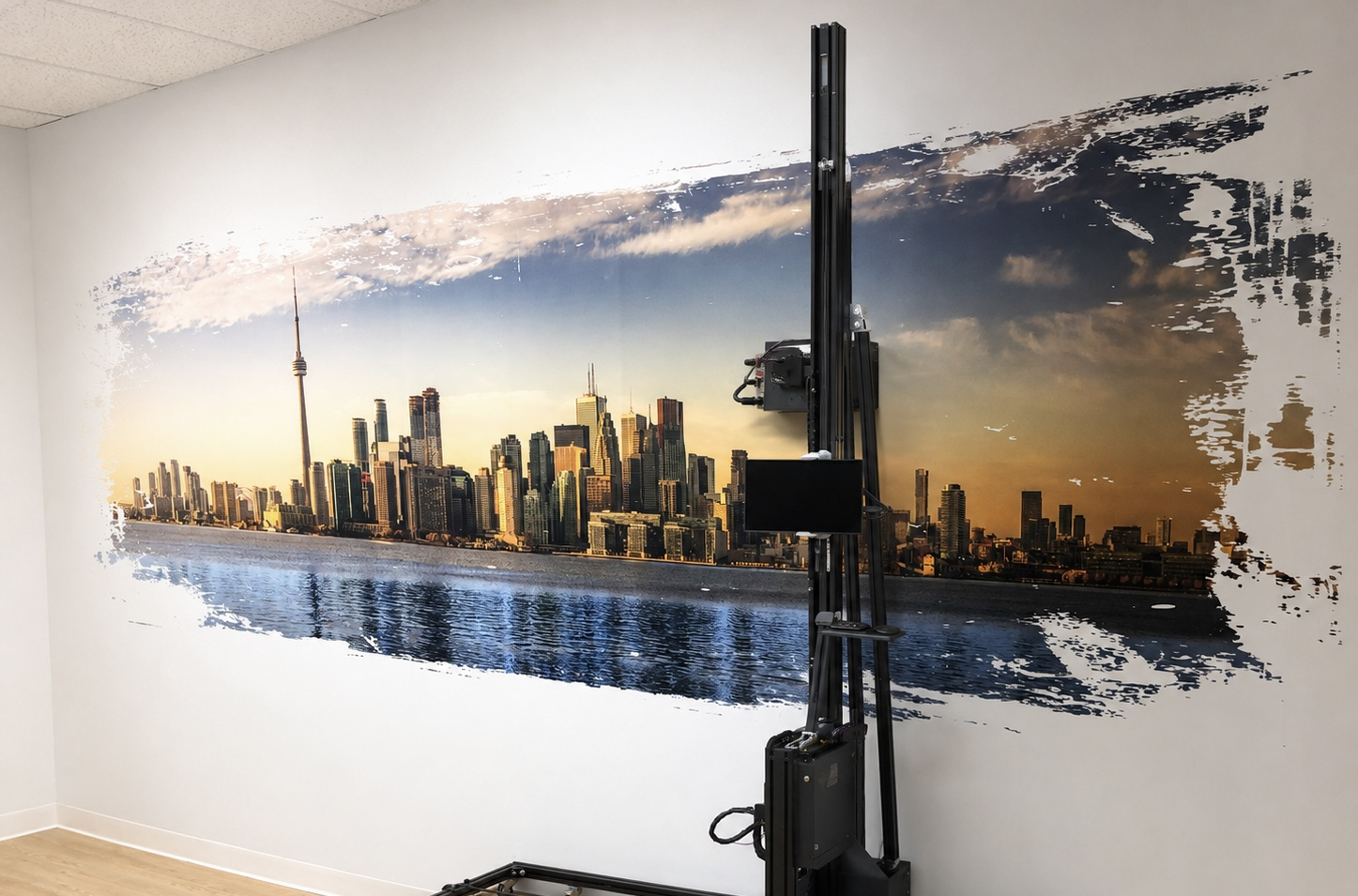
Tanyu offers several wall printer machines targeted at startup and small commercial operators.
The TPP1000 and portable TMP1000 can be configured with Epson DX7 or I1600 printheads, support white ink stirring, and offer a standard print height around 3 meters. Tanyu lists typical printing speeds of approximately 2–6 m²/h and positions its broader startup investment around $6,000–$12,000 depending on configuration.
That means some configurations can fit comfortably below a $10,000 machine budget, while more fully equipped versions may move beyond it.
Why It Stands Out
Tanyu is worth considering when buyers care primarily about straightforward wall-printing hardware rather than maximum productivity.
The TMP1000 is particularly relevant to mobile operators because portability is part of its design focus.
Tanyu also states that training, software updates, and technical support are provided with its systems.
The main trade-off is speed. For businesses expecting large commercial murals every day, 2–6 m²/h may become more limiting than it would for a startup completing several smaller projects each week.
Best for: Small businesses, mobile mural operators, and buyers who value a simpler entry configuration over maximum daily throughput.
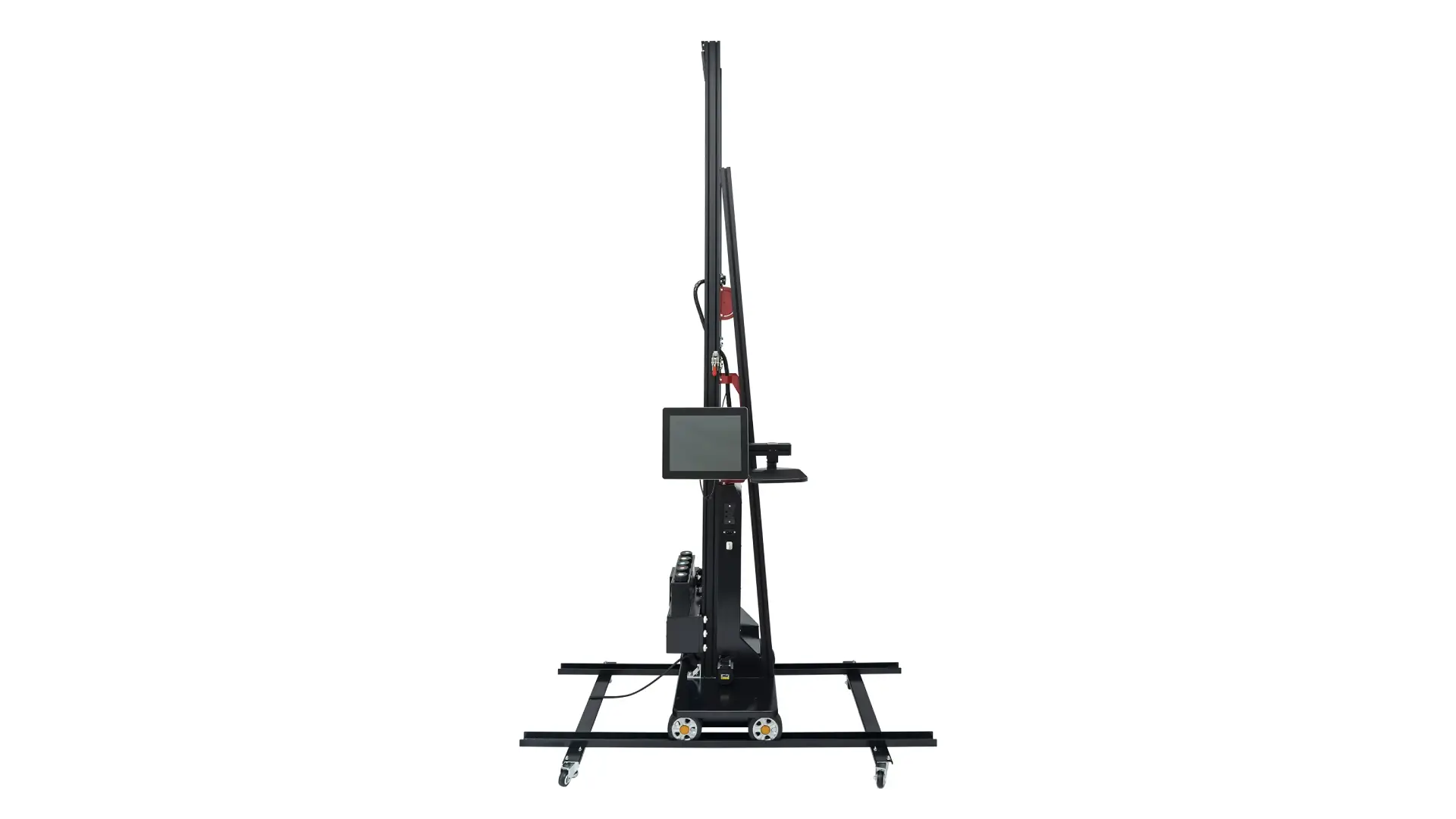
3. Entry-Level Epson I1600 OEM Wall Printers — Best for Experienced Technical Buyers
The lowest-cost part of the market contains many factory-direct wall printer machines built around similar vertical frames and Epson printheads.
Some can provide surprisingly good results.
The challenge is consistency.
Two machines may both advertise an Epson I1600 printhead, 2880 DPI, CMYK+W ink, and automatic sensing while using very different rails, motors, electronics, white-ink systems, software, and quality-control procedures.
For technically experienced buyers, this category can offer excellent hardware value.
For beginners, it creates more risk.
The buyer may need to manage calibration, software installation, color settings, spare parts, shipping, and troubleshooting with relatively limited assistance.
Best for: Existing print shops, technical operators, or buyers who are comfortable maintaining inkjet equipment themselves.
Not ideal for: Someone starting a wall printing business with no previous printing-equipment experience.
What Features Should You Prioritize Under $10,000?
This is where buyers often make the wrong compromise.
You do not need every premium specification, but there are several features worth protecting in your budget.
A Recognized Printhead
The printhead affects speed, image quality, maintenance, ink compatibility, and replacement cost.
For this budget, an Epson I1600 is a strong practical target. Older DX-series heads may reduce the purchase price, but buyers should compare replacement availability and long-term support.
Do not choose a printer simply because it advertises 2880 DPI.
The printhead model and the machine's motion stability matter more than one maximum-resolution number.
White Ink
White ink is important if you want to print on dark or colored walls.
It also expands applications to materials such as wood, glass, tile, metal, and some decorative surfaces where a white underbase improves color reproduction.
However, white ink requires reliable circulation or agitation because the pigment settles more easily than standard CMYK ink.
A cheap white-ink system that clogs regularly is not an upgrade.
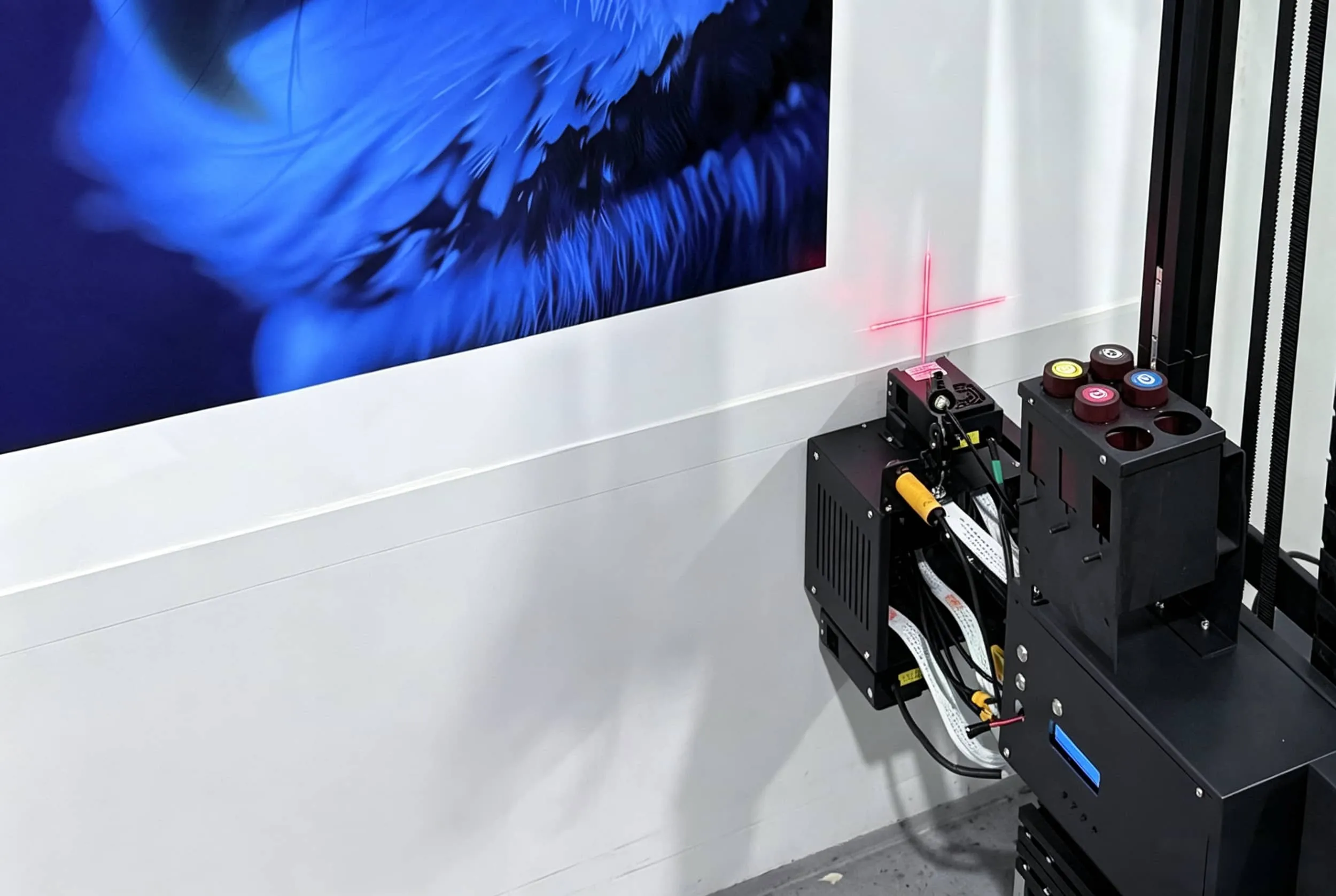
Automatic Wall-Distance Sensing
Real walls are rarely perfectly flat.
A distance-sensing system helps the machine maintain a safe printhead gap as it moves across small variations in the surface.
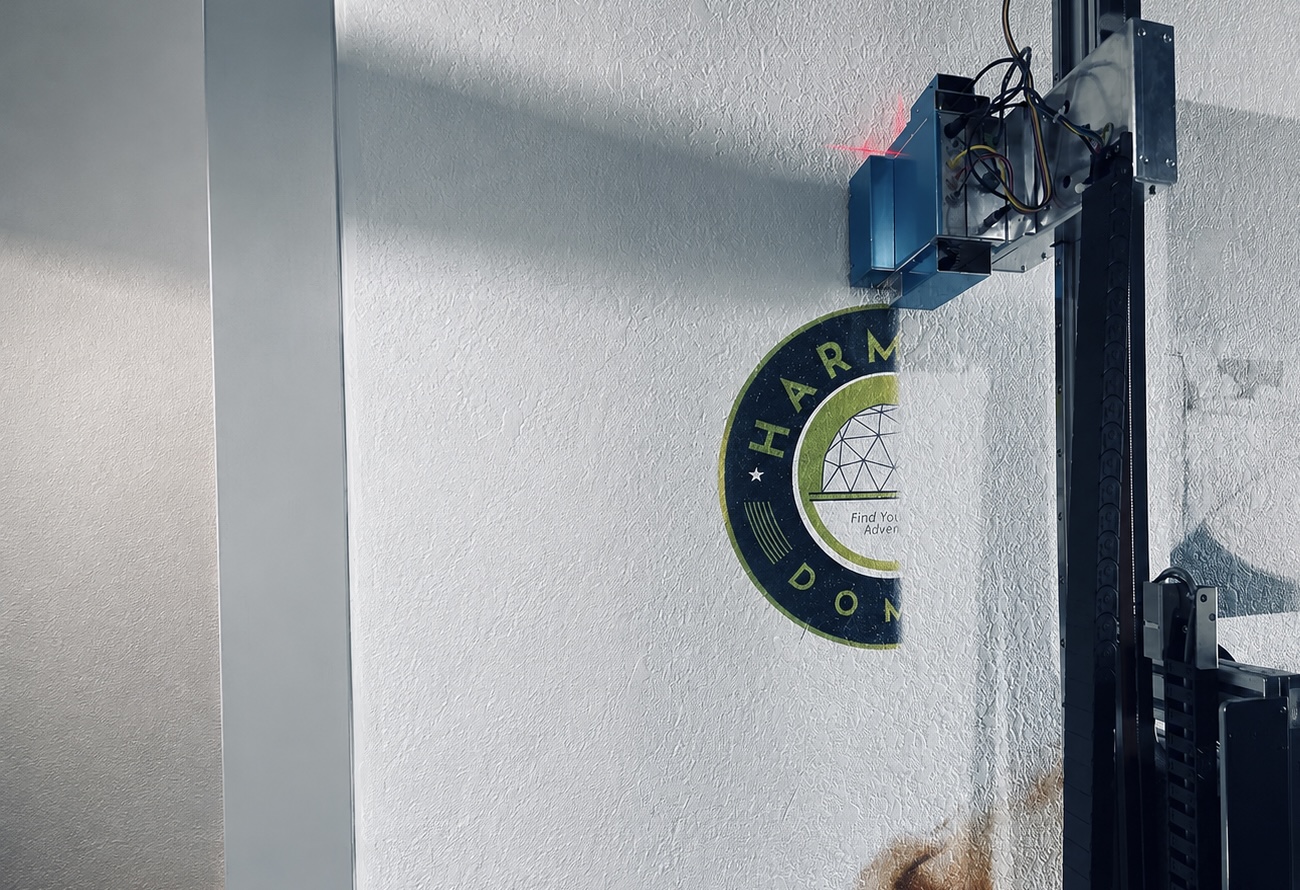
DXonJet, for example, publicly demonstrates ultrasonic wall-distance adjustment on uneven surfaces, illustrating why sensing and chassis stability matter during tall prints.
For buyers working with plaster, concrete, brick, or older buildings, this feature is far more useful than chasing an extra few hundred DPI.
Reliable Software and Resume Printing
A commercial wall printer depends on both RIP software and machine-control software.
Ask whether the license is permanent, whether updates are included, and what happens if the control computer needs to be replaced.
Power-loss or pause-resume functionality is also valuable.
A small interruption should not automatically mean restarting an entire mural.
What Can You Compromise On?
A sub-$10,000 budget requires priorities.
Some features are useful but not essential for every buyer.
A startup completing bedrooms, restaurants, cafés, and office feature walls may not need dual Epson I3200 printheads, extremely high draft speeds, 4-meter-plus printing height, 3D relief printing, or advanced wall-and-floor conversion.
Those features become more valuable after order volume grows.
Similarly, you probably do not need the highest possible resolution for every project.
Most murals are viewed from a normal standing distance. Stable gradients, accurate positioning, consistent ink output, and reliable operation usually matter more than a theoretical maximum DPI.
Spend your first $10,000 on reliability and usability before spending it on capacity you may never use.
What Should You Not Compromise On?
There are several areas where saving a few hundred dollars can create significantly more trouble later.
Do not accept an unidentified printhead.
Do not buy a white-ink printer without understanding how the white ink is circulated.
Do not accept temporary or unofficial software.
Do not buy without knowing the price and availability of replacement printheads, pumps, sensors, filters, and control boards.
And do not assume that “technical support included” means unlimited professional assistance.
Ask how support works, which communication channels are available, normal response hours, and whether help continues after the warranty expires.
The best budget printer is not the machine with the fewest features. It is the machine that removes unnecessary features without removing the reliability needed to finish paid jobs.
Is $10,000 the Complete Startup Budget?
This is one of the most important distinctions in the entire article.
A $9,000 wall printing machine is not necessarily a $9,000 startup.
Your actual budget may also include freight, customs, taxes, starter ink, cleaning liquid, spare parts, a computer, transportation cases, a voltage stabilizer, marketing, and insurance.
Factory-direct prices are often quoted FOB, meaning the supplier's responsibility ends at the shipping port.
For that reason, a buyer with a strict $10,000 total business budget may be better off choosing a machine priced closer to $5,000–$7,000 rather than spending the entire amount on hardware.
Entry and mid-tier machines commonly occupy roughly the $3,000–$12,000 startup range once configurations and delivery costs are considered.
Leave room for the things that allow the printer to actually start earning money.
Who Should Buy a Wall Printer Under $10,000?
This price category makes the most sense for first-time wall-printing businesses, solo operators, existing sign shops adding murals, interior-decoration companies, and local printing businesses testing a new service.
It is also suitable for businesses whose typical projects include bedrooms, restaurants, cafés, gyms, offices, schools, retail interiors, and small-to-medium commercial murals.
A sub-$10,000 machine becomes less attractive when the business already has large recurring contracts, multiple installation crews, or daily high-volume commercial production.
At that point, faster dual-head machines and stronger regional support may justify moving into a higher price tier.
What Should You Ask the Supplier Before Buying?
Before paying a deposit, request a live test using artwork and a wall surface similar to your real projects.
The supplier should show the complete process—not only the finished image.
Watch the machine start, calibrate, print, pause, resume, and complete the mural.
Confirm the exact printhead, actual quality-mode speed, white-ink system, software license, spare-parts prices, warranty, training, and shipping terms.
Also request an itemized quotation so you can compare every supplier on the same basis.
A $6,000 machine with software, ink, spare parts, and training may be a better purchase than a $5,000 machine that requires another $2,000 of upgrades before the first job.
Final Verdict: What Is the Best Wall Printer Under $10,000?
For most first-time commercial buyers, the best wall printer under $10,000 is not the fastest or highest-resolution machine available.
It is a factory-direct UV wall printer with a recognized Epson printhead, CMYK+W ink, reliable distance sensing, stable software, accessible spare parts, and enough training to get the operator through the first real customer jobs.
WallPrintBox GP200I is the strongest overall choice for buyers who want hardware plus a more complete startup system.
Tanyu TPP1000 or TMP1000 is a good alternative for buyers focused on straightforward hardware value and smaller commercial workloads.
Lower-cost OEM Epson systems can save more money, but they make the most sense for technically experienced buyers who can manage maintenance and troubleshooting themselves.
Whatever machine you choose, keep part of the $10,000 budget available for shipping, ink, spare parts, training, and customer acquisition.
A wall printer becomes a good investment when it reliably completes paid walls—not when it wins a specification comparison.
Before purchasing, send WallPrintGear your typical mural size, wall materials, expected monthly workload, budget, and delivery country. The team can recommend a suitable configuration, arrange a sample print, and provide an itemized quotation so you can compare the real startup cost before committing.